
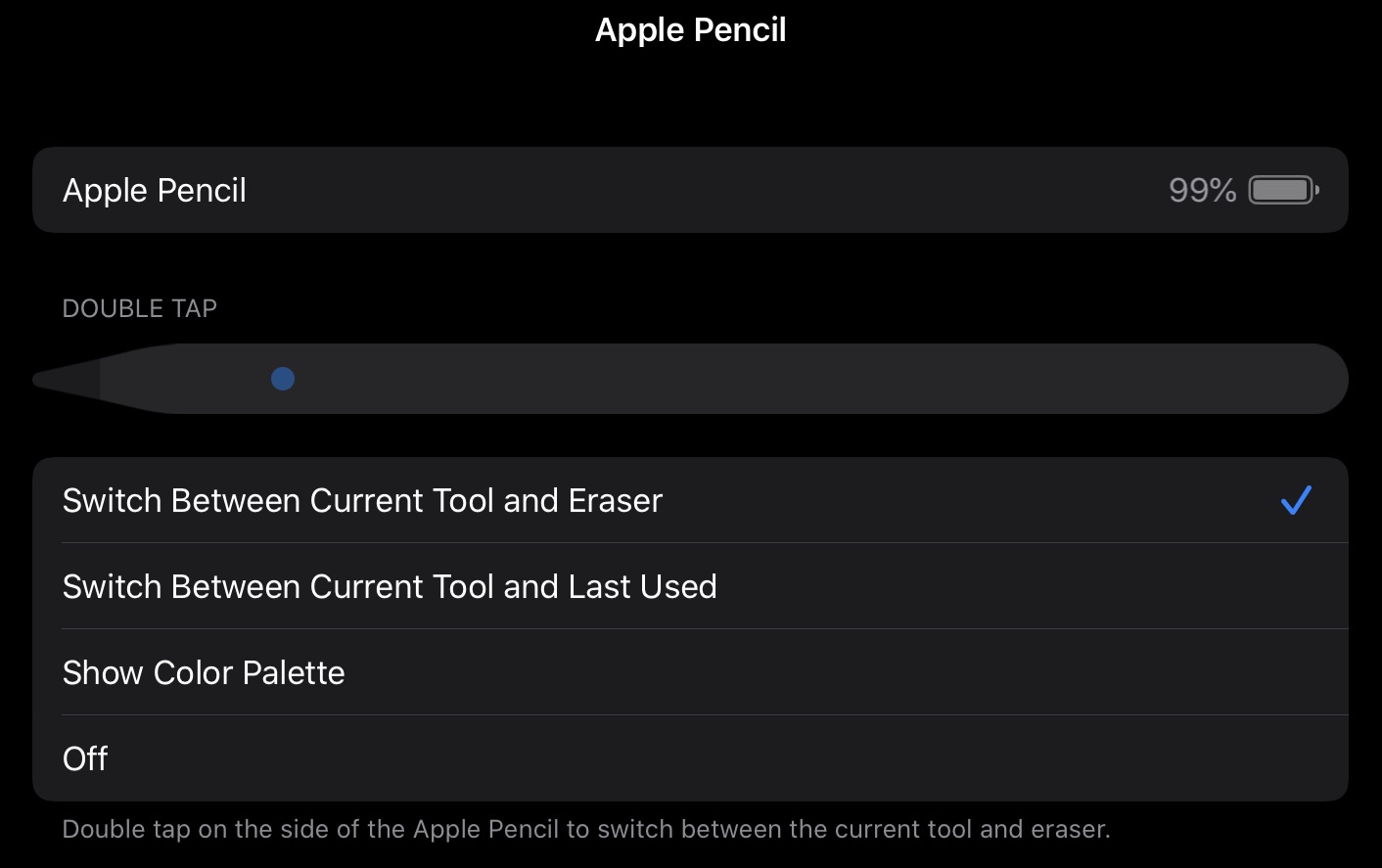
1. First thing to do is to change and customize double tap setting:
2. Instant note :
If you are some one who uses notes app then I am sure you are going to love it. When your iPad is in sleep mode, just double tap on the screen and instantly notes app with new note will be ready for you to take quick notes.
3. Sign a document:
I find this feature so handy. You can just open the Notes App and tap on camera logo, scan a document. Once you have the document you can double tab your pencil to bring o edit mode and start signing the document .
4. Create straight lines:
In the Notes app you can tap on the bottom right pencil icon and then select ruler to use it to draw straight lines.
5. Check battery life:
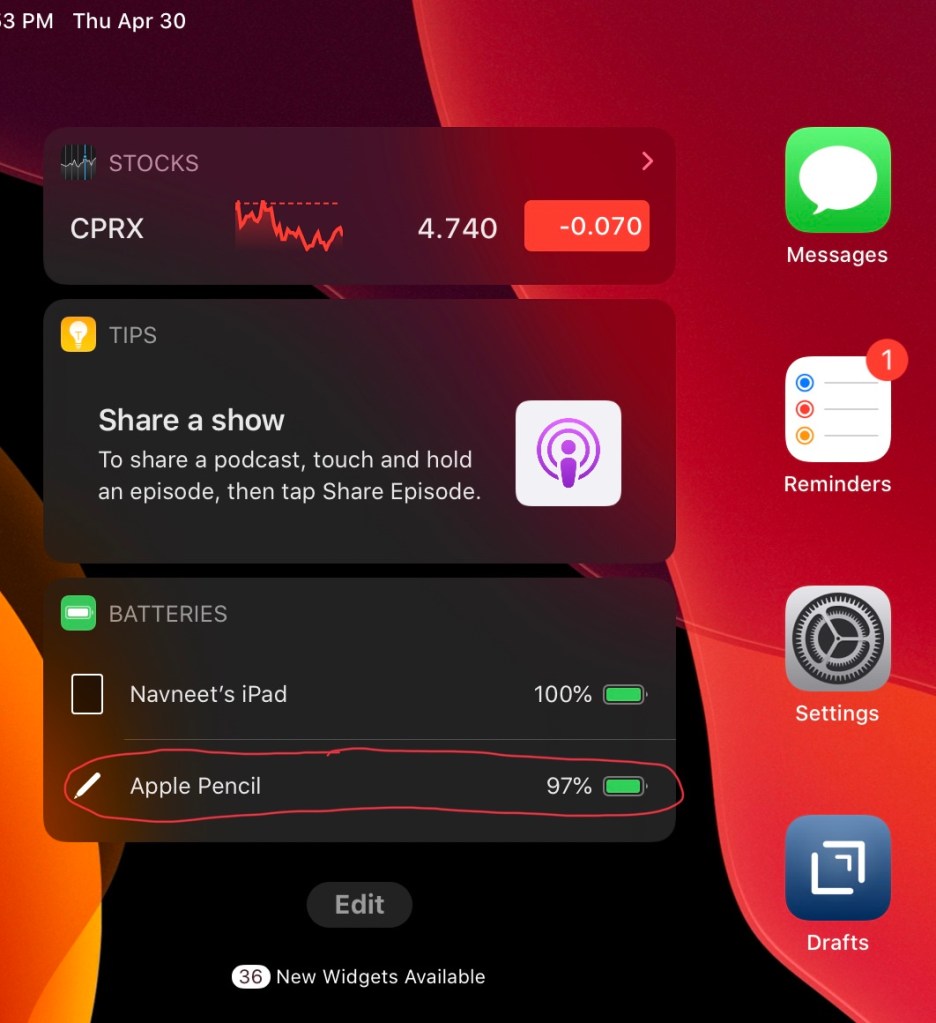
You can check battery life in 2 ways a) by snapping your pencil on the iPad b) In the today view just edit and add battery widget and it will show you battery life of all connected devices.
 Incremental Nova